Convert a PNG to DXF for laser cutting
Turn your transparent design into closed outlines in millimeters, in seconds.
 PNG · transparent
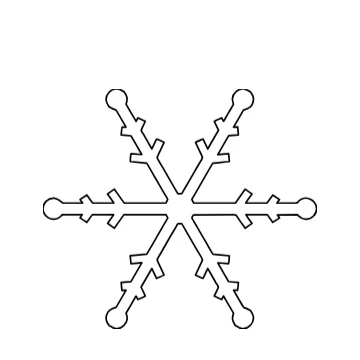 DXF · 100 mm
How to Use
Choose the PNG and it is traced into closed shapes. Transparent pixels are not traced at all and a white background is left out, so only the design becomes cut lines. Type the width; the DXF is written in millimeters, one closed polyline per outline.
- Click Choose the PNG, or drop it on this card. It is traced at once, 100 mm wide; the transparent background is ignored.
- Type the finished width in the card, in mm. Everything scales with it, and the card measures the thinnest part again.
- Zoom in on thin parts. Too thin for your material? Make it wider in the card, or select the shape and choose Object > Path > Offset Path… to thicken it.
- Click Download DXF and open it in your laser software; the unit is in the file.
| Formats | PNG (transparent or on white) or JPG in; DXF or SVG out |
|---|---|
| Limits | Traces a copy of at most 1360 px on its long side and 1.5 megapixels in all |
| Where it runs | In your browser, no account; nothing is sent anywhere |
Soft, semi-transparent edges are cut where they are half opaque. Shadows, glows and gradients turn into blobs: use a PNG without effects. A drawn line becomes a shape with two edges, which is what a cut needs. The card flags parts thinner than 0.3 mm, a rule of thumb for a laser cut; your material may need more. No DWG, PLT or CDR.
- Why are there two lines for every arm of my design?
- A line in a PNG has width, so its outline has two edges, and the laser cuts the thin piece out between them. For one engraved line instead, pick Engrave in the card and download the SVG, which keeps the shape filled.
- Will the transparent part be cut?
- No. Transparent pixels are not traced at all, so there is no outer box around the design.
- My PNG has a white background, not a transparent one.
- White is left out the same way: only the dark shapes remain. A colored background becomes one big shape, so remove it first.
- Is the PNG uploaded?
- No. Tracing and the DXF happen in your browser, with no account.
RelatedConvert an image to DXF for your laser or CNCConvert an SVG to DXFVectorize an image