
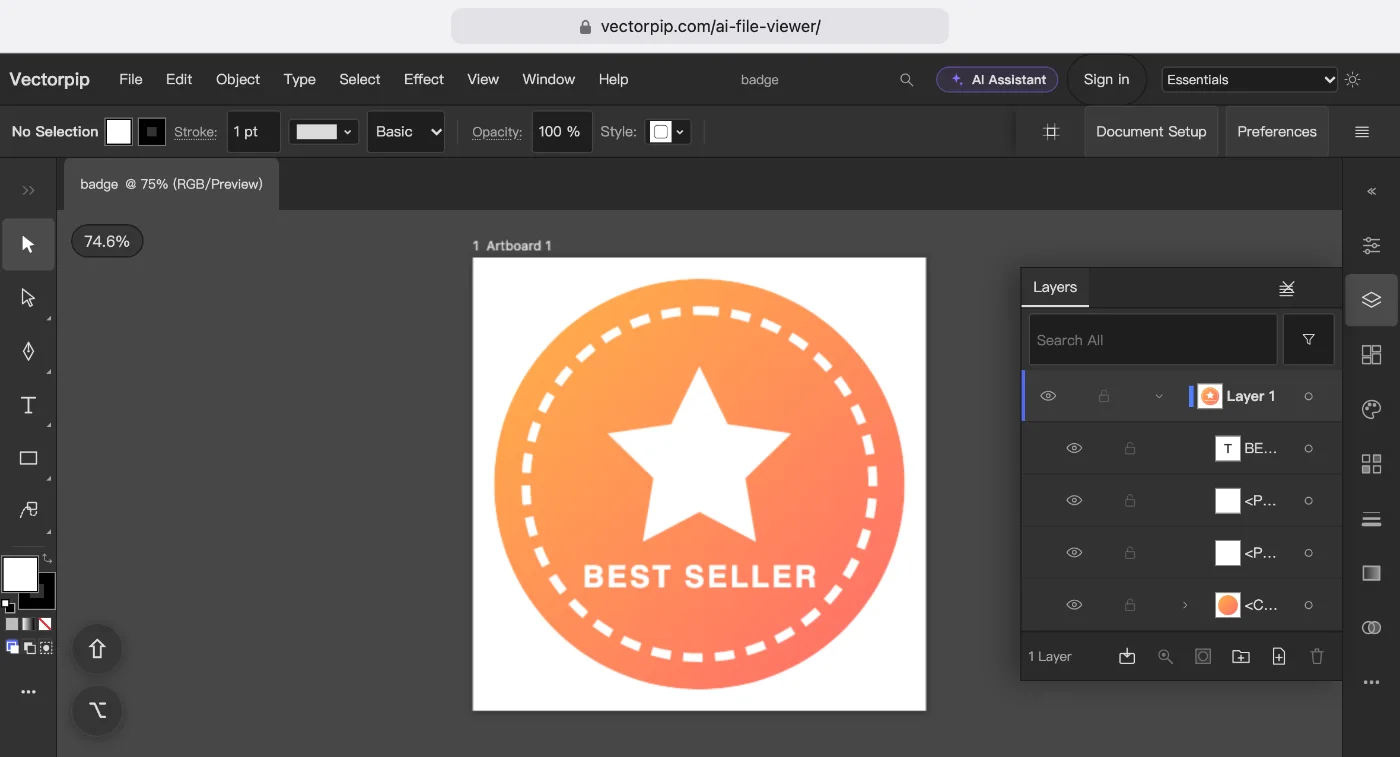
Draw and edit on an Android tablet or a Chromebook
- Open Chrome and tap Open the editor. Nothing is installed.
- To edit a file you have, choose File > Open… and pick an .ai, PDF, EPS or SVG file. To start from nothing, tap Square Post or another size under Quick start on the start screen.
- Draw with the Pen Tool, the shape tools or the Blob Brush Tool. On a stylus that reports pressure, double-click the Blob Brush Tool and set the menu next to Size to Pressure.
- Choose File > Save As… and pick .ai, EPS, PDF or SVG. On a tablet the file downloads; on a Chromebook, Chrome can write it back to the file you opened.
Note: The editor shows the same menus and panels on every screen. On a phone the panels open as a sheet from the bottom; the full set is easiest to use from 1024 px wide.
On an iPad
Illustrator on the iPad is part of every Illustrator plan. It was rebuilt for touch, has iPad-only tools such as radial and grid repeats, and works offline. If you have a plan, use it.
Without a plan, Vectorpip runs in Safari. Apple Pencil draws, a finger moves the canvas when you tick Pencil Only Draws (Edit > Preferences > General…, then Devices), and the Blob Brush and calligraphic brushes follow pencil pressure. It is the desktop interface, not one rebuilt for touch, so some controls are small.
On Linux
Use Chrome or Firefox. The editor is the same as on Windows or a Mac: the same menus, panels and keyboard shortcuts, and the same files in and out.
Sources and dates
- Illustrator’s platforms, the web version’s system requirements and the US price of the single-app plan (annual, billed monthly): Adobe’s product, help and pricing pages, read 2026-10-15. Prices change; check before you buy.
- The picture at the top: badge.ai opened in the editor at a tablet’s width with touch on, 2026-10-23.
Next steps
- What each plan costs, and what is free here: how much Illustrator costs.
- Your drawing app shut down: what to draw vectors with now.