Tumbler wrap template: start at the right size
Pick your cup or type its size, place your design, and print a wrap that reaches all the way round.
 Sample
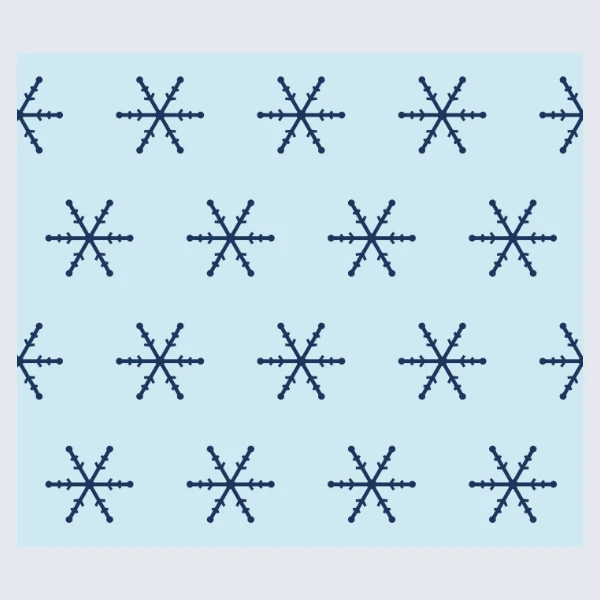
How to Use
The wrap opens at the 20 oz skinny size from one supplier's template table, 9.325 × 8.125 in, with 0.125 in of bleed round it. The blue center line is a guide and doesn't print. Place your design and it is scaled to cover the wrap and the bleed; the card then checks that it reaches all four edges, so no white line shows where the ends meet. Save a PDF with trim marks, mirrored for sublimation.
- Click Open the 20 oz wrap. For another cup, pick 30 oz, Tapered or Other size under Cup.
- For Tapered, run a soft tape round the top rim and the bottom rim, measure the wall's height, and type the three numbers in Top / bottom / height: the wrap unrolls into an arc. For Other size, type once round the cup and its height in Around × tall.
- Click Place your design... and pick a PNG, JPG or WebP. It is scaled to cover the wrap and its bleed, centered.
- If the card says White strip at the seam (or at the rim), click Extend art to the edges. A flat-colored edge is repeated outward; a photo's edge is mirrored. If it says White shows round the picture, the picture has a see-through background: click Place another design... and pick one that fills its own rectangle.
- Under Print, keep Mirrored for sublimation, or pick As is. The artboard stays readable; the mirror is applied when you export.
- Click Save mirrored PDF (Save as PDF with As is). In Save as PDF, Trim Marks and Use Document Bleed Settings are already ticked; click Save PDF, print at actual size and cut along the marks. Export PNG (300 ppi) downloads a PNG instead.
| Sizes | 20 oz skinny 9.325 × 8.125 in · 30 oz skinny 10.3 × 9.6 in · tapered or any other size from your measurements |
|---|---|
| Bleed | 0.125 in on every side, with trim marks in the PDF |
| Saves | PDF, mirrored or as is; PNG at 300 ppi |
| Where it runs | In your browser; nothing is uploaded, no account |
The two sizes come from one supplier's template table, and another brand's 20 oz can differ by a fraction of an inch: measure your cup before you print a dozen. There is no 40 oz preset; that table gives two pairs of numbers for it without saying what they are, so use Tapered or Other size with your own measurements. A tapered wrap is worked out from the rims and height you type, so measure the wall the wrap will cover, not the lid. The edge check reads the picture's pixels, so a cut-out on a see-through background is reported as white at every edge: give it a background of its own before you place it. Extend art to the edges repeats or mirrors what is already at the edge; it doesn't paint new detail. Press time and temperature come from your paper and your press.
- Where do 9.325 × 8.125 in come from?
- From MakerFlo's table of sublimation tumbler templates, opened on 24 October 2026: 20 oz skinny 9.325 × 8.125 in, 30 oz skinny 10.3 × 9.6 in. Its paper column is the smallest paper each one fits, 8.5 × 11 and 11 × 17. Template sites print other numbers for the same cup, so measure your own before you trust any of them.
- Do I have to mirror it?
- For sublimation, yes: the printed side faces the cup, so the PDF and PNG come out flipped. Keep Mirrored under Print. For a print that goes on face up, pick As is.
- What paper do I need?
- The 20 oz wrap fits Letter. The 30 oz is 10.3 in wide and needs 11 × 17; the card says so when you pick it. Check that your printer can print that close to the edge, or let the bleed run off the paper.
- What resolution is the PNG?
- 300 ppi at the wrap's printed size. For a sharp print your design should have about that many pixels too: roughly 2,800 px across for the 20 oz wrap.
RelatedMake a die-cut stickerAdd bleed to a PDF for printingCheck a PDF before you send it to print