Make a business card
Type your name on a print-ready card and save a file the print shop takes, free.
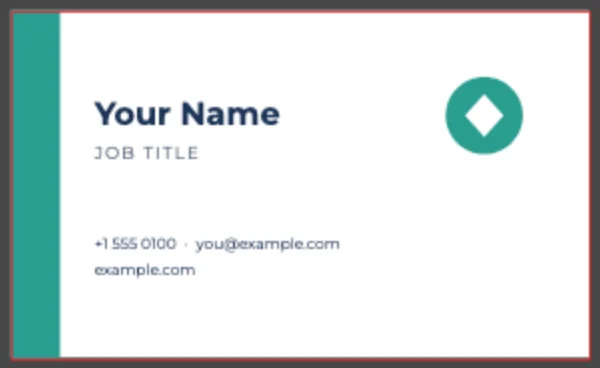 red line: the bleed
How to Use
Open the business card template: 3.5 × 2 in, CMYK, with a 1/8 in bleed the background already runs into. Change the name, title, contact lines and colors, drop in your logo, and save a PDF with trim marks that a print shop takes as is.
- Click Open the template. It opens on an artboard with the bleed drawn in red, and the card above the canvas says what to change.
- Click Edit the text in the card: the name is selected, so just type yours. Double-click the job title, phone, email and website to change them too. To change the accent color, double-click the Accent color swatch in the Swatches panel and pick another: the bar and the logo follow together.
- Select the placeholder logo, press Delete, then File > Place… your logo (SVG, PNG, PDF or .ai) and drag it into the corner.
- Click Save as print PDF in the card. Trim Marks and Use Document Bleed Settings are already ticked under Marks and Bleeds; click Save. Export PNG… makes a card to send by email.
- What size is a standard business card?
- 3.5 × 2 inches in the US and Canada, which this template uses, with 1/8 inch of bleed on each side. For Europe, choose File > Document Setup > Edit Artboards, tick Scale Artwork with Artboard in the Properties panel, then type 85 × 55 mm: the layout scales with the artboard.
- Can I use my own logo?
- Yes. Place an SVG, PDF or .ai logo and it stays vector. A PNG or JPG logo prints at its own pixels: at 300 ppi a logo 1 inch wide needs about 300 pixels, so a small one looks soft on paper, and a JPG brings its white box with it. The logo and the card aren't uploaded.
- How do I make the back of the card?
- Choose Window > Artboards and click New Artboard: a second 3.5 × 2 in artboard appears beside the first, with the same bleed, because the bleed belongs to the document. Design the back there; Save as print PDF writes both artboards into one PDF, one page each.
- Will a print shop accept the file?
- The PDF carries CMYK color, trim marks and the bleed; choose PDF/X-1a or PDF/X-4 if the shop names one. Printing itself is up to you.
- Can I make a digital business card?
- Export PNG… gives a card to attach to email or messages; a PDF saved without marks opens on any phone.
- Is my name and phone number kept anywhere?
- No. Nothing is uploaded, and this page keeps nothing of the card in the browser: no recovery copy, no automatic versions, nothing under File > Open Recent, so the next person on this computer doesn't see your details. Save the PDF before you close the tab; with unsaved changes the browser asks first. The PDF and PNG you save stay in your Downloads folder (or wherever you saved them).
More free toolsPoster makerCurved text makerLogo makerSticker makerSticker sheetCertificate makerOpen .ai filesSVG to PNG