
Template builders speed up everyday social graphics, until you hit a Pro subscription paywall just to export an SVG or transparent PNG, or realize your commercial printer, embroidery digitizer, or vinyl cutter insists on clean node-edited paths, outlined fonts, .ai/EPS, or DXF cut lines.
| Capability | Canva Free / Pro | Vectorpip |
|---|---|---|
| SVG vector & transparent PNG export | Restricted to Canva Pro ($18/mo or $144/yr) | Included with no subscription, watermark, or sign-in |
| Bezier Pen tool & anchor handles | Preset shapes & basic lines only | Pen (P), Curvature, Direct Selection (A) node handles |
| Boolean shape combining & cuts | No Pathfinder / Shape Builder | Pathfinder (Unite, Minus Front, Intersect, Exclude) + Shape Builder (Shift+M) |
| Image Trace (PNG/JPG to paths) | No native bitmap-to-vector trace | Object > Image Trace > Make up to 1.5 megapixels |
| Print & cutter formats (.ai, EPS, DXF) | PDF Print, PNG, JPG; Pro adds SVG only | Opens & exports SVG, PDF [Press Quality], .ai, EPS, and mm DXF |
| Outlines, bleed & CutContour spot line | Basic print bleed margins; no spot plates or create outlines | Type > Create Outlines, Document Setup bleed, CutContour spot plate |
| Templates, stock photos & team kit | Millions of curated templates & stock assets + team sharing | Small set of structured print templates only; single-user local files |
| File ownership & browser privacy | Cloud storage (5 GB Free / 100 GB+ Pro) | All drawing, tracing, and export run locally in browser memory |
Canva Free limits and Canva Pro pricing/export rules read from canva.com (2026-11-24). Vectorpip capabilities tested in the Vectorpip browser editor on 2026-11-24.
How Canva and Vectorpip split creative work
Per Canva’s official pricing and download documentation (read 2026-11-24), Canva Free excels at fast social templates and team presentations with standard PNG, JPG, and PDF downloads, while exporting vector SVGs or transparent-background PNGs requires Canva Pro ($18/mo billed monthly or $144/yr billed annually). Because Canva operates as a layout-and-template suite rather than an engineering vector tool, it provides no direct anchor handles, Boolean path cutting, Type > Create Outlines, custom Spot Color separations, or EPS/DXF handoff.
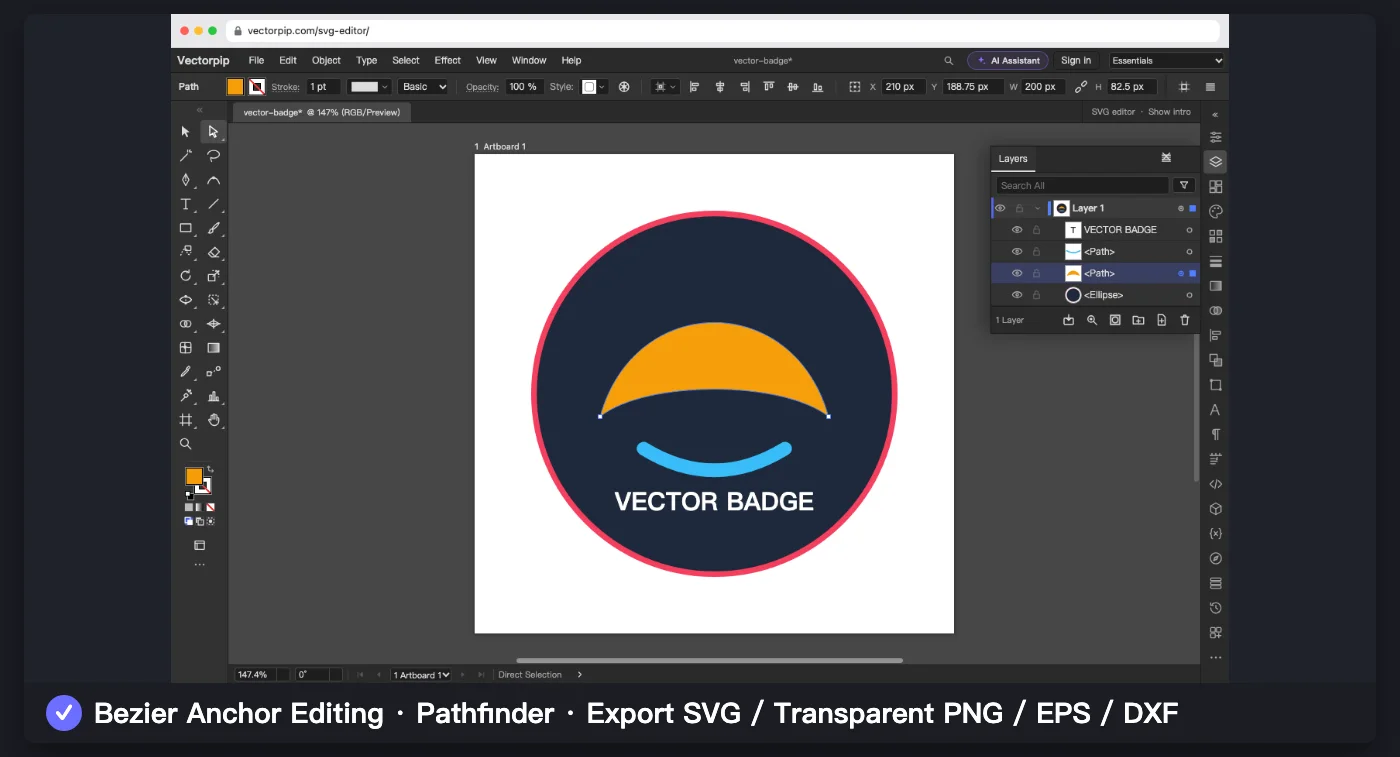
Vectorpip skips the marketplace model and focuses strictly on editable vector geometry: draw marks from scratch with the Pen tool (P), convert bitmap scans into grouped vector shapes via Image Trace, assign print bleed or magenta CutContour spot strokes, and write SVG, transparent PNG, .ai, EPS, or DXF directly on your computer.
Why transparent PNG and sharp SVG matter off-screen
A logo downloaded from a free slide or social template at fixed pixel dimensions holds crisp edges only at that 1× pixel size; enlarging a 1000 px raster export for a storefront sign or embroidery proof produces stair-step jaggedness. Vector SVG, EPS, or .ai paths carry exact mathematical Bezier coordinates that scale to any billboard width without losing edge detail.
For web icons, apparel DTF transfers, and sticker sheets, Vectorpip exports transparent PNG directly under File > Export > Export As… > PNG (choose Background Color: Transparent and 72–300 ppi resolution) or File > Export > Export Selection… (or press / and search Export Selection as PNG) with zero subscription gate.
Draw or convert print-ready vector files in four steps
- Click Open SVG Editor (or choose File > New… for custom dimensions, or drag in an existing PDF/SVG saved from Canva).
- Edit paths and typography: use Pen (P) and Direct Selection (A) to reshape Bezier curves, Shape Builder (Shift+M) or Pathfinder to fuse silhouettes, or Object > Image Trace > Make (6 Colors, Black and White Logo, Line Art, or High Fidelity Photo presets) to vectorize a placed logo up to 1.5 megapixels.
- Prepare press or cutter specs: select lettering and choose Type > Create Outlines (Ctrl+Shift+O / Cmd+Shift+O), set 3 mm / 0.125 in print bleed via File > Document Setup…, or add a CutContour spot stroke under Swatches.
- Export where needed: File > Export > Export As… writes clean SVG (with optional Convert To Outlines font export so words hold their shape across devices), transparent PNG, or DXF (AutoCAD R12–2018, scaled in millimeters for px/pt/mm documents or matching chosen export units); File > Save As… writes PDF-compatible .ai, flattened Level 3 EPS, or [Press Quality] PDF. Everything executes inside your browser memory without uploading proprietary files.
Need quick automated drafting? Press Ctrl+K / Cmd+K to open the AI Assistant: local batch actions (like outlining every headline in the file) execute right in your browser with no credits, while cloud AI Assistant prompts offer 2 unauthenticated tries per 30 days before signed-in account credits apply (dedicated generation commands require sign-in).
Sources and dates
- Canva Free restrictions (no SVG download, no transparent PNG) and Canva Pro pricing ($18/mo, $144/yr): Canva pricing & download help pages, read 2026-11-24.
- Vectorpip Pen, Pathfinder, Image Trace (1.5 MP max), SVG limits (120 MB markup / 400 MB total file / 250,000 elements), and export formats: tested in Vectorpip and documented in the editor limits guide (2026-11-24).
- Vectorpip is not affiliated with Canva Pty Ltd.
Next steps
- Turn a PNG logo into editable vector paths first: convert PNG to SVG.
- Preparing print stickers with automatic magenta die-cut lines: open Sticker Maker.
- Compare browser workflow alongside Adobe Illustrator features: read Illustrator alternative.